Desktop pet maker
Build a desktop pet from your own art for the free Clicky Pet app: its parts, what it says when clicked, the icon it sends up when petted and its click sound. No AI: your art goes in exactly as you drew it, and your files stay in your browser.
1. Parts
Drop your PNG parts (body.png, head1.png…), a BUG Clicker PSD or a .clickypet file here.
This is Clicky, to try things with. Your first part replaces it.
 body the body, without the head
 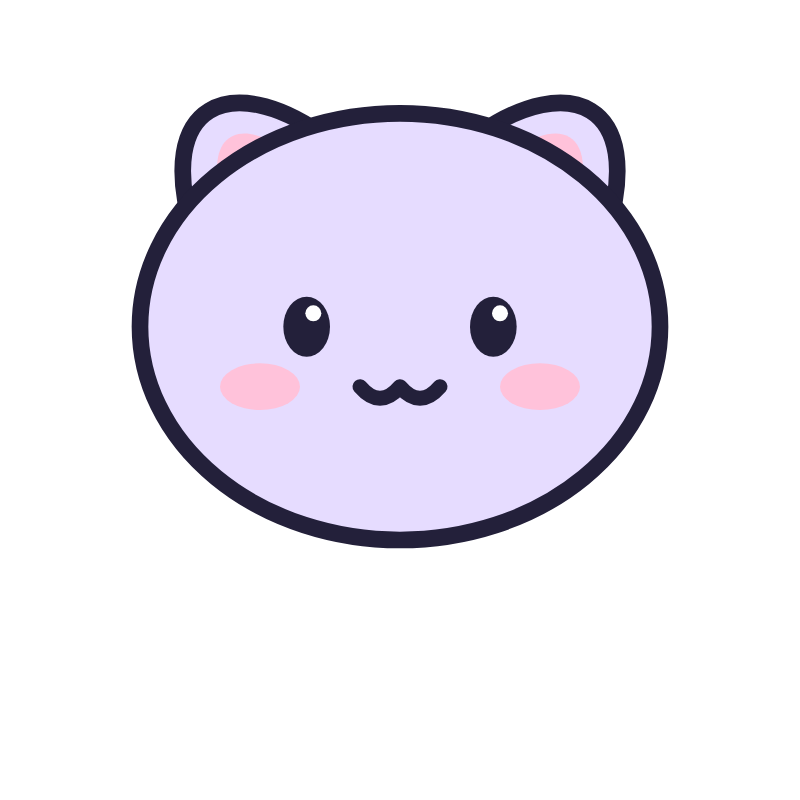 head1 the head at rest
 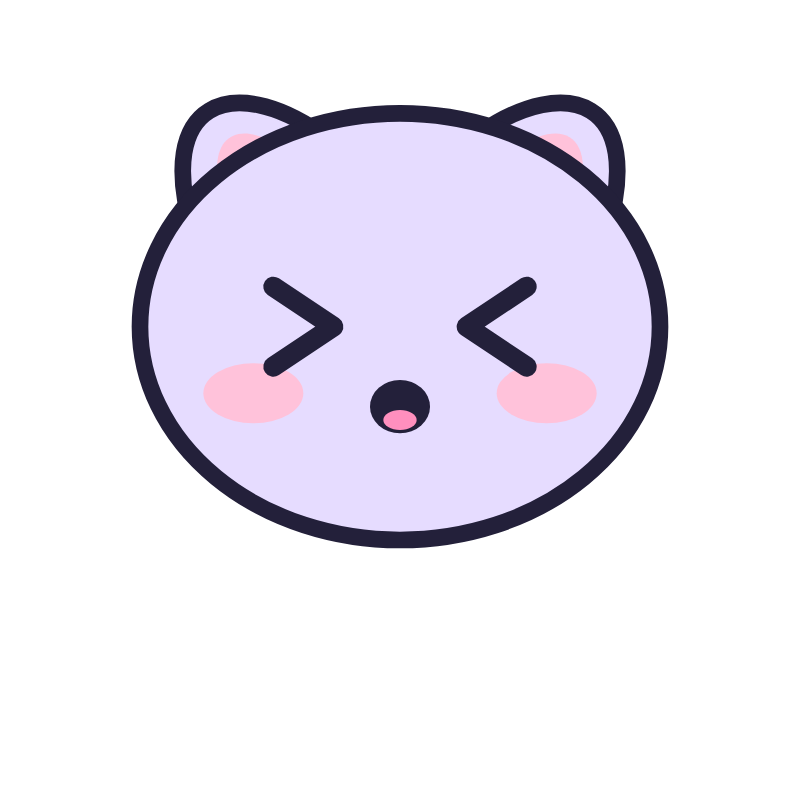 head2 the head while it's clicked
 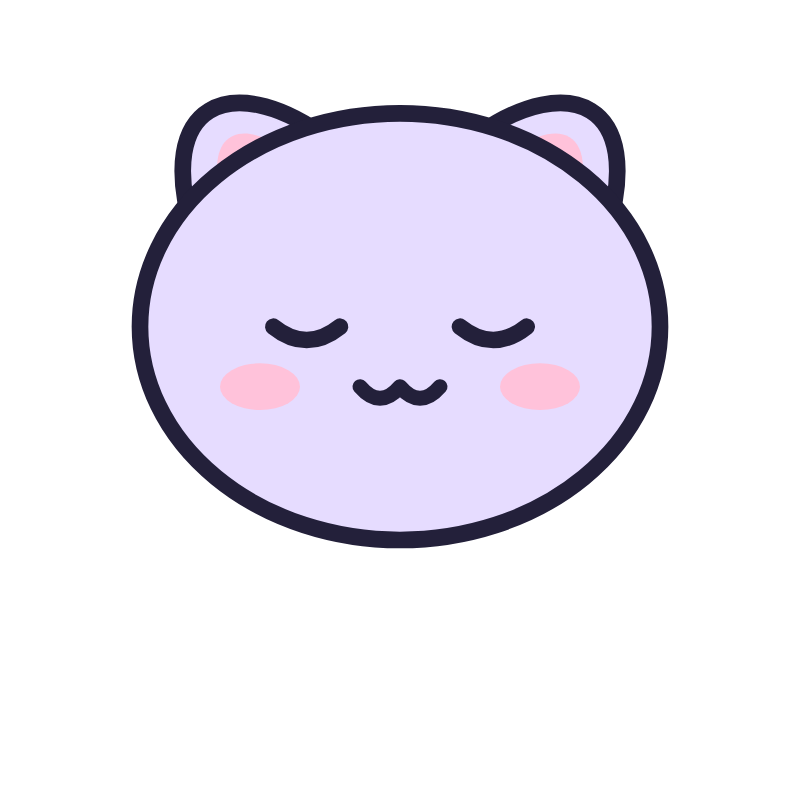 head3 eyes closed, so it blinks (optional)
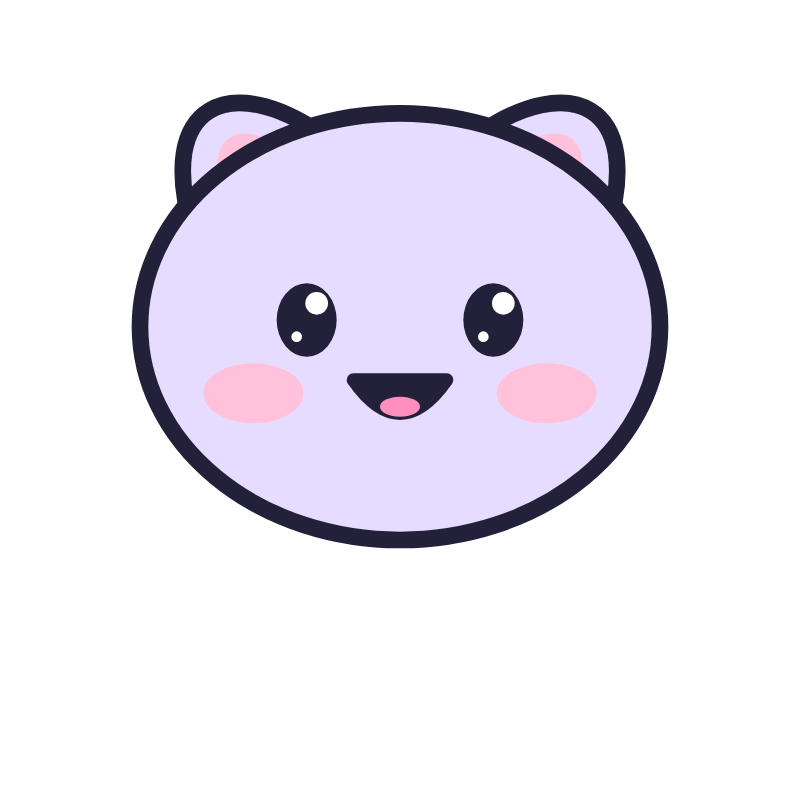 head4 delighted, so it answers petting (optional)
2. Name and lines
3. Petting icon
Floats up when its head is rubbed. Needs head4.
4. Click sound
Plays on every click. Your own: MP3, WAV, OGG or M4A, up to 600 KB.
How to draw the parts
A pet is up to five pictures of the same character, each drawn in place on one square canvas with a transparent background, so they line up when the app stacks them. 800 × 800 pixels is plenty; bigger pictures are scaled down, and a canvas that isn't square is padded evenly so nothing moves. Save each part as its own PNG.
- body: the character without its head. Draw a little of the neck under where the head sits, so no gap shows when the head bobs.
- head1: the head at rest, the face your pet shows most of the time.
- head2: the head when it's clicked, for as long as the button is held. A squeezed > < face or a surprised mouth reads well at desktop size.
- head3 (optional): eyes closed. With it, your pet blinks every four seconds or so.
- head4 (optional): delighted. With it, your pet answers petting: rub the top of its head and it sways, shows this face and sends up its icon.
Name the files body.png, head1.png, head2.png and so on, then drop them in together: each goes to its slot. A BUG Clicker PSD works too: the maker reads its groups or layers named body, head1, head2, head3 and head4 and draws each one onto the canvas.
Keep every head in the same spot on the canvas. The app tilts the head around a point low on it, about where the neck is, so a head drawn in a different place for each face would jump.
Tips for a desktop pet that looks good
Your desktop pet shows at about 260 pixels on the desktop, a third of the 800-pixel canvas the desktop pet maker works on. A few things help it read at that size:
- Bold outlines and simple shapes: thin lines and small details fade when the picture is a third of its size.
- Keep the eyes of head3 where they are on head1, only closed, so a blink looks like a blink and not a jump.
- Stand the character on the bottom of the canvas: the app puts the pet's square at the bottom of its window, so feet on the bottom edge stand on the taskbar, a window, or whatever it sits on.
- Keep everything around the character transparent: a pet can be clicked wherever its pictures are solid, so a background would catch clicks meant for the windows behind it.
- Try it in the preview before you download: click it and rub its head. The preview does what the app does.
What it says, its icon and its sound
Write one line per row, up to 20 lines of up to 40 characters. Each click picks one at random, never the same twice in a row on this page, and shows it in a bubble above your pet for a moment.
When your pet is petted, its icon floats up behind its head: a heart, a note, a star or a sparkle, or a picture of your own. A picture of your own is fitted into a 128-pixel square and shows at about 50 pixels, so simple shapes with a dark outline read best.
Its click sound is one of four the app makes itself (click, pop, boop or chirp) or a short clip of your own: MP3, WAV, OGG or M4A, up to 600 KB. Keep it under a second; it plays on every click.
Put it on your desktop
- Choose Download pet file. You get one .clickypet file with everything in it.
- If you don't have Clicky Pet yet, get it for Windows or Mac. It's free.
- Open the file. Clicky Pet starts if it isn't running, and your pet appears next to the others. You can also drop the file on a pet, or choose "Add a pet from a file…" in Clicky Pet's menu.
Right-click a pet to change which pet it is, add another one of it or put it away. The file is the whole pet, so you can send it to a friend and they open it the same way.

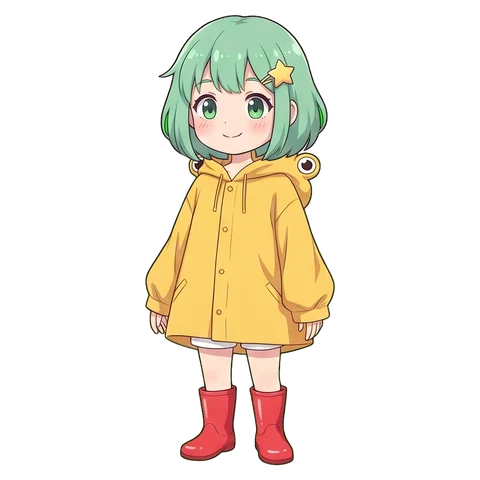

No Clicky Pet yet? It's free for Windows and Mac, under 10 MB, with Clicky, Mint and Mochi to start.
Get Clicky PetNo drawings? Start from one picture
If you only have one picture of your character, make the pet from the picture instead: AI draws its parts and writes its lines, icon and sound, for $4.99 a pet, with its BUG Clicker PSD. Bring that pet here afterwards to change what it says, its icon or its sound.
Only have one picture? We draw the parts for you and pick its lines, icon and sound. $4.99 a pet.
Start from a pictureQuestions
Is the desktop pet maker free?
Yes. You bring the art, the desktop pet maker puts it together, and the Clicky Pet app is free too.
Does the maker use AI?
No. What you drop in is what your pet shows: the maker only squares your pictures and puts them together. Nothing is generated, nothing is uploaded, and nothing is used to train AI.
Are my drawings uploaded?
No. The maker reads your files in your browser and writes the pet file there; nothing is sent to us. Only opening a pet you made from a picture asks our server for that pet's file.
Can I use the same parts in BUG Clicker?
Yes. The parts follow BUG Clicker's own names and canvas, so the same PNGs import there too. A BUG Clicker PSD you already have can be dropped straight into the maker.
Which characters can I make?
Characters you have the right to use: your own, your OC, or art you made or were given permission to use.
Can I change a pet later?
Yes. Drop its .clickypet file into the maker, change it, and download it again. Open the new file and Clicky Pet updates that pet where it sits, instead of adding another.